
Smart Control
Control KNX devices locally – lights, blinds, heating. No cloud, no subscription.
NO CLOUD · NO SUBSCRIPTION · NO REGISTRATION
Coming soon to the Play Store.
A look inside the app
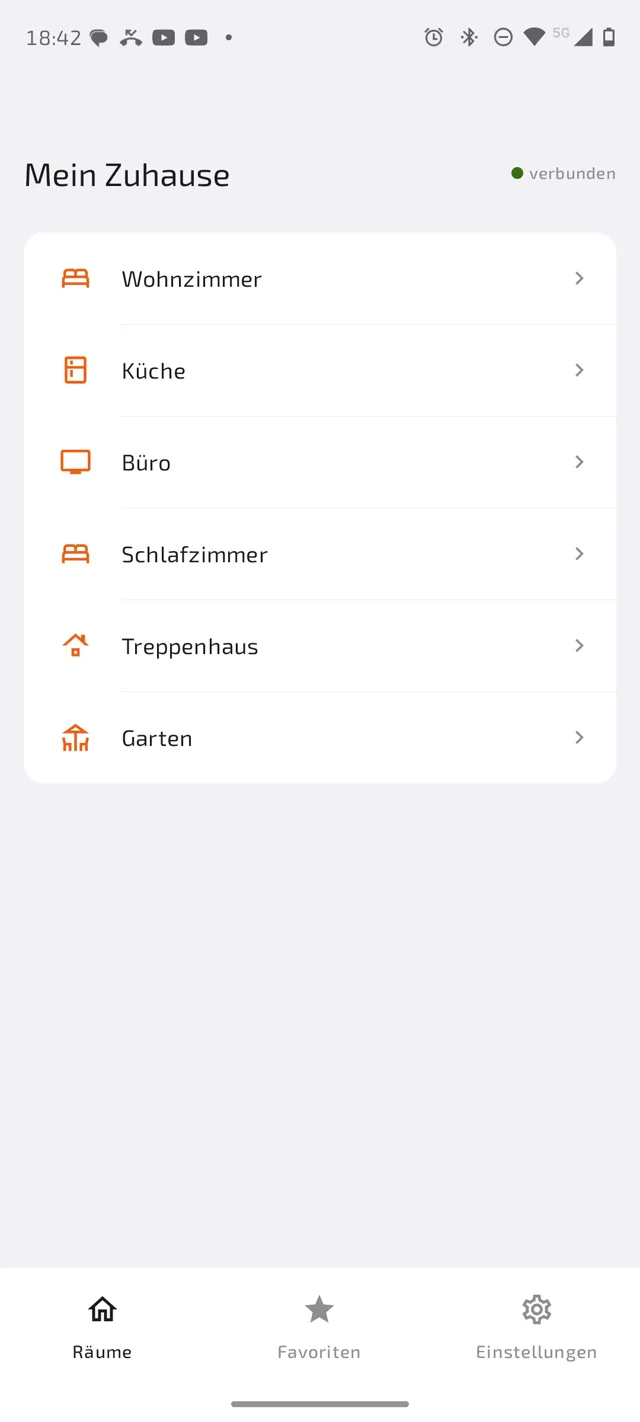
All rooms at a glance
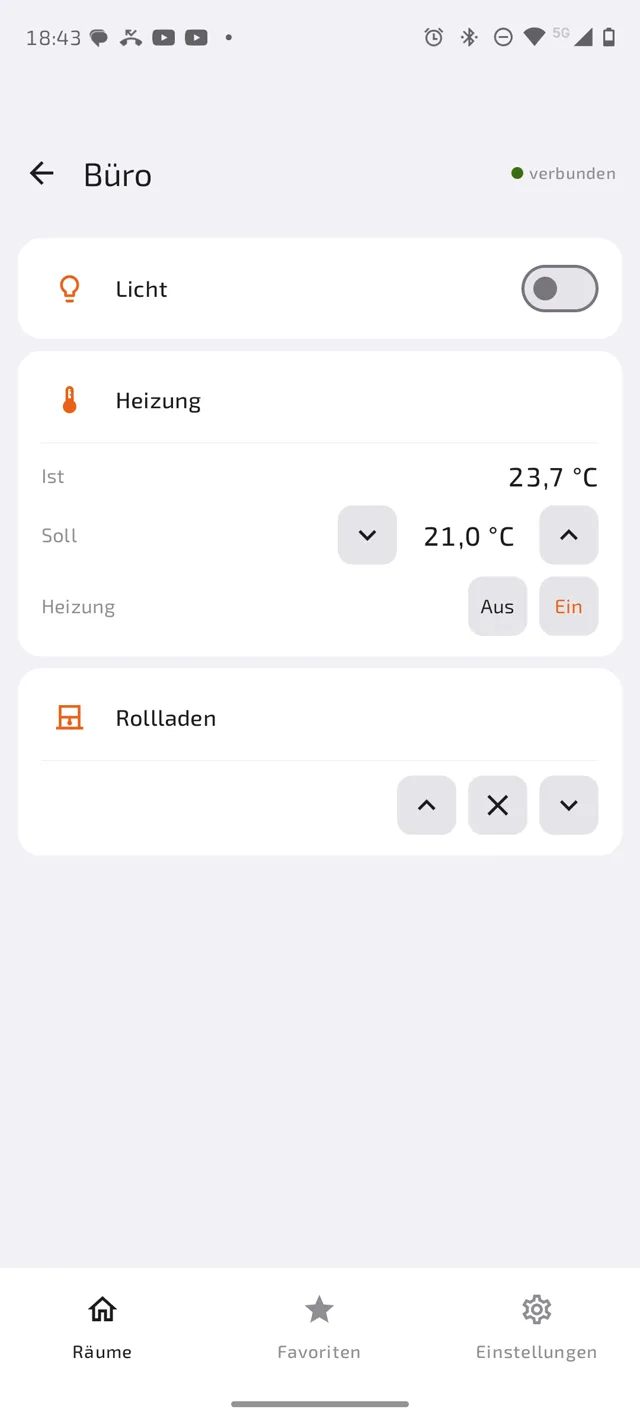
Control devices directly
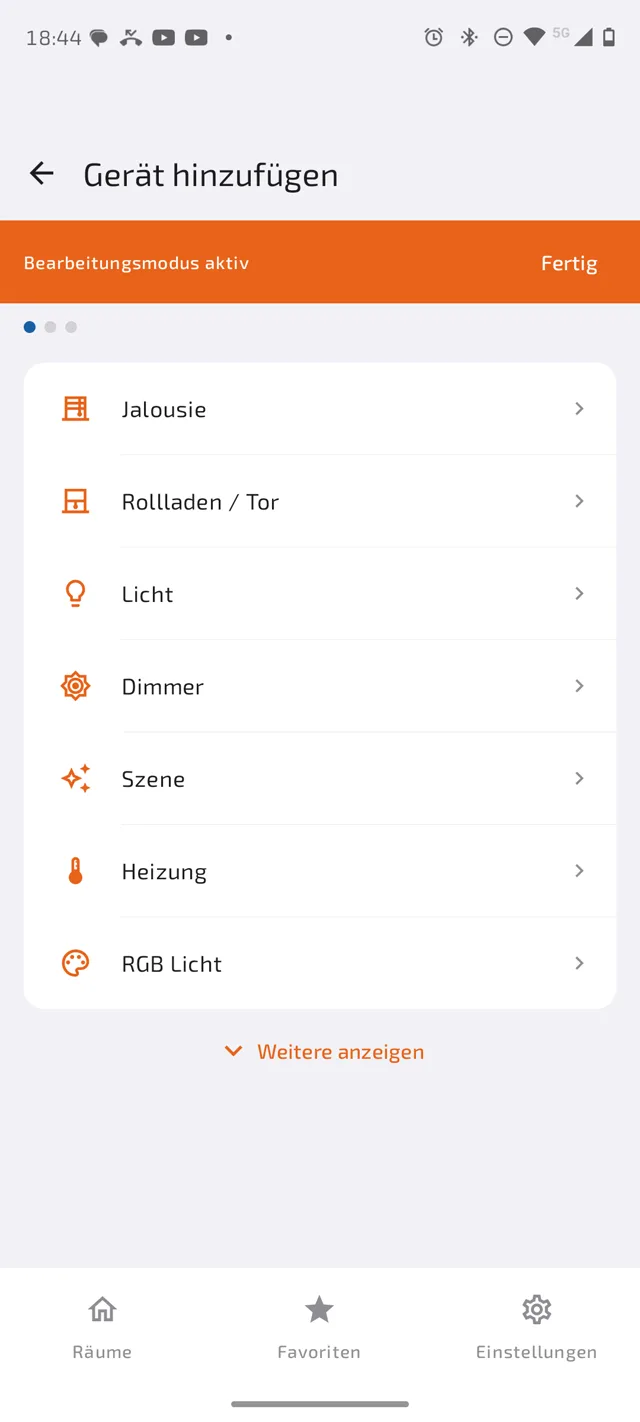
Set up in just a few steps
Light or dark – automatically
Smart Control follows your phone's system theme. Switch on dark mode on your device, and the app switches right along – no separate setting needed.
Light
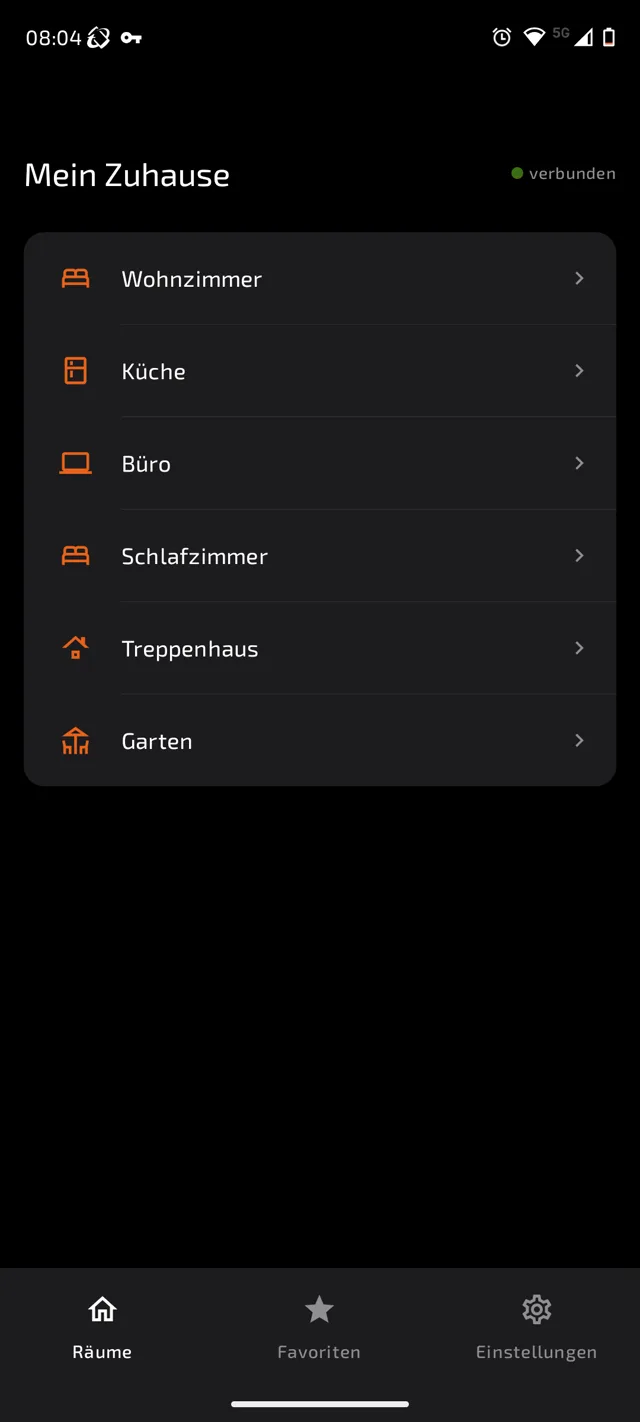
Dark
What you can control
Lights
On/off with a single tap.
Dimmer
Adjust brightness continuously.
Blinds
Up, down, stop, position via slider.
Heating
Set target temperature directly, keep an eye on the current one.
How it works
- Connect to your KNX IP gateway (KNXnet/IP tunneling).
- Add rooms and devices, enter the KNX group addresses.
- Done – the app remembers everything locally on your device.
Handling
Operating mode (default)
The app always starts here. Only controls are visible – no editing, no deleting, no adding. Accidental configuration changes are impossible.
Configuration mode
Activated via Settings → "Edit configuration". An orange banner clearly indicates the mode. This is where rooms and devices are created, renamed, reordered, or deleted.
Adding a device – in 3 steps
- Choose the device type (light, dimmer, blind, heating)
- Enter name, KNX group address(es), and room
- Test the connection and save
Technical
- No additional server required – unlike many other manufacturer solutions, a direct connection to your KNX IP gateway is enough
- KNXnet/IP tunneling (UDP) – direct connection to the gateway
- No internet connection required
- No data is stored or transmitted
- Automatic dark mode – follows your phone's system setting
- Compatible with KNX standard EN 50090 / ISO 14543
- App available in 8 languages: Dutch, English, French, German, Italian, Polish, Portuguese, Spanish
Supports KNX IP gateways from various manufacturers (Weinzierl, MDT, Siemens, etc.). KNX is a registered trademark of KNX Association.
Frequently asked questions
Do I need an internet connection?
No. Smart Control connects exclusively and locally to your KNX IP gateway on your home network – no internet, no cloud.
Do I need an additional server for the app?
No. Many other manufacturer apps for KNX require their own server, e.g. for visualization or cloud connectivity, that has to be run and maintained separately. Smart Control skips that entirely: the app connects directly to your KNX IP gateway via KNXnet/IP – no server, no extra software, nothing that needs to run in the background.
Do I need to register or create an account?
No. There is no login and no account. You set up your gateway, rooms, and devices directly in the app.
Is my data stored online anywhere?
No. All configuration data (gateway, rooms, devices, settings) stays exclusively on your device.
Which KNX gateways are supported?
Any KNX IP gateway with KNXnet/IP tunneling, e.g. from Weinzierl, MDT, or Siemens.
Can I accidentally change something while controlling devices normally?
No. Controlling (operating mode) and setup (configuration mode) are strictly separated – editing options aren't even visible during normal operation.
What happens if the gateway is unreachable?
The app shows the connection status and offers a "Reconnect" option. Until reconnected, the last known states are shown read-only and controls are disabled.
What languages is the app available in?
8 languages: Dutch, English, French, German, Italian, Polish, Portuguese, and Spanish. The language can be set in the app's settings independently of the system language.
What happens if development of Smart Control is discontinued?
Support and further development may be discontinued at any time without prior notice. Your already-purchased app keeps working regardless, since it runs entirely locally and needs no server connection. In that case, the source code will be released as open source, so the community can maintain it if needed.
Do I need ETS or my own KNX license to use Smart Control?
No. Smart Control is a pure control client and needs neither an ETS installation nor a license of its own. You only need the group addresses of your installation, which your installer can provide or which you can find yourself in your ETS project.
Does Smart Control work with larger installations spanning multiple lines or areas?
Yes. Such installations are connected via line and area couplers, and your KNX IP gateway routes telegrams accordingly. For typical home installations this is never an issue, it only becomes relevant for very large, multi-tier setups.